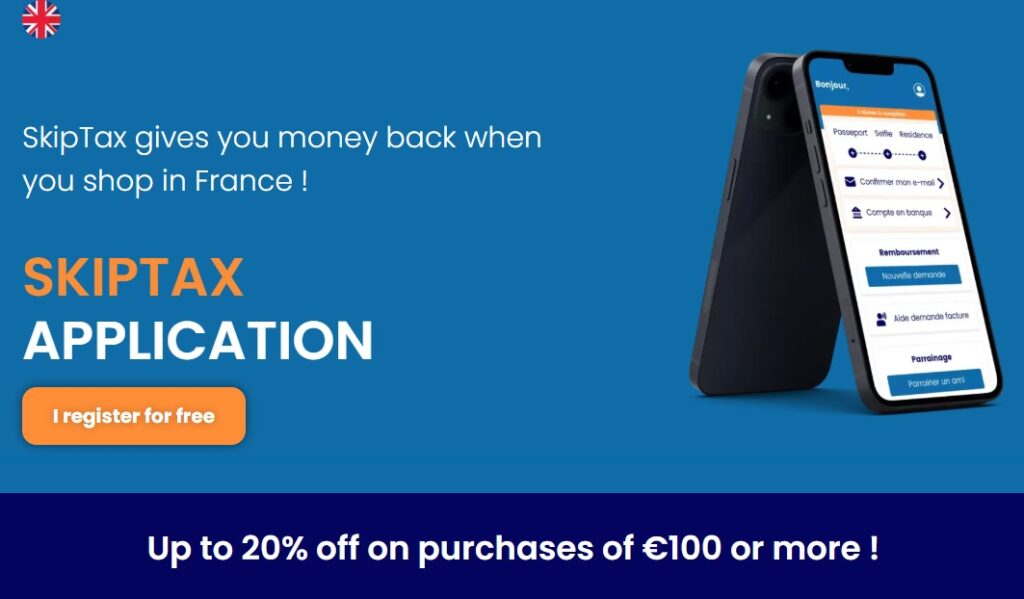
Trips are expensive. Trips to Disney are very expensive! But if you use the Skip Tap service, you can claim a little bit of your hard-earned cash back.
Skip Tax is a digital tax-refund service and mobile app that helps International visitors to France claim back some of the VAT (Value Added Tax). It is approved by French Customs. It allows you to make claims against your physical purchases – it cannot be for things like accommodation, transport, or dining.
So, how do you use Skip Tax? Here is a simple step-by-step guide!
Step 1:
Download the Skip Tax App – it’s free
Step 2:
You need to create an account. It’s honestly very easy, and I’m not tech-savvy! You will be asked for an email address and to create a password. They will send you an email that you will need to open to validate your account.
Step 3:
You have to complete an I.D. check. To do this, you will need a picture of your passport, a selfie, and sometimes you will be asked for additional proof of residence.
Step 4:
Start a new claim from the app. There is a blue button that says ‘New Claim” on the home page.
Step 5 – Where we DLP visitors don’t need to do a thing!:
Here’s where we get a little bit lucky. In most places in France, you have to request an invoice in the name of Skip Tax whilst making your purchases. However, Disneyland Paris (and a few other brands) has a partnership with Skip Tax, and you DON’T need an invoice in the name of SKIPTAX for purchases made in the parks, stores located in the Disneyland hotels, and with partner brands (shops in Disney Village).
Step 6:
You take photos of your receipts within the app, clicking on the receipt request you have previously created.
Step 7: Once you have completed all the shopping from your trip, you create a barcode within the app. This must be scanned into a PABLO terminal. These can be found at the airport, at a specially designated building at the ferry port, or at Lille when you change trains if taking the Eurostar.
Step 8:
Scan the barcode at the terminals. You need to do this at these points of exit from France, as you cannot make a claim once you have left the country.
Step 9:
Get your refund! It should be with you in 24 hours. Make sure you have your refund method added in the app – PayPal or your bank account. You will receive 80% of the VAT back, and you can get more if you get referrals.
Be aware that all items should be in original condition with the tags still attached, and you should be prepared to present them. If you do get asked and cannot do this, you won’t get any refund on the items in question. This does mean that you have to make the decision as to whether or not to wear that new Spirit Jersey, drink out of that tumbler, or give the plushie to your toddler.
So that is the quick guide to Skip Tax at Disneyland Paris! I was able to claim back over £80 and it was in my account in a matter of hours.
For more information, go to www.skiptax.com.
Leave a Reply